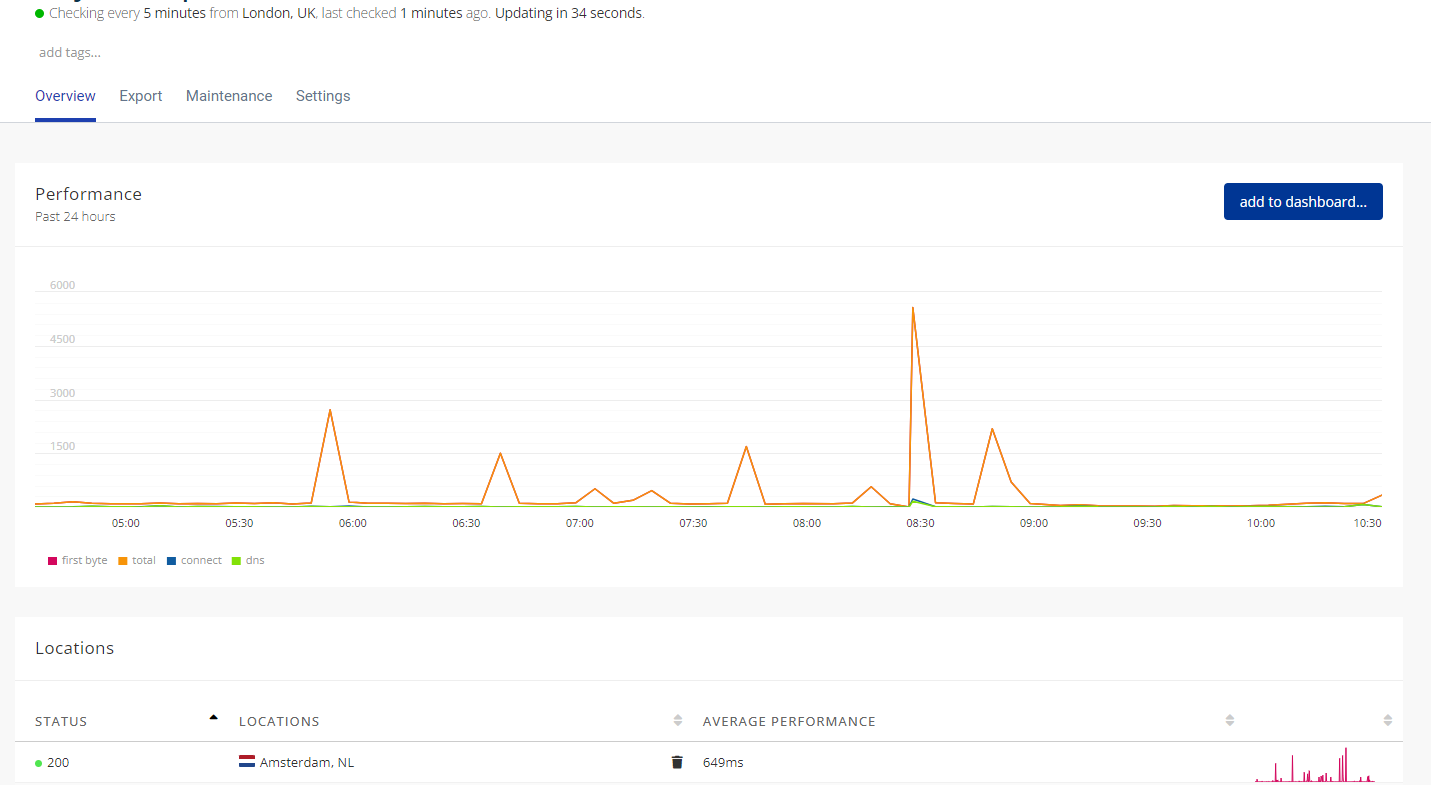
To view your website monitoring statistics, login to 360 Monitoring from your Enviroweb dashboard and follow these steps:
1. Once logged in to 360 Monitoring, Click Websites from the top navigation bar
2. Click the domain name you would like to view monitoring statistics for
3. From here you can view all the monitoring data for your site.