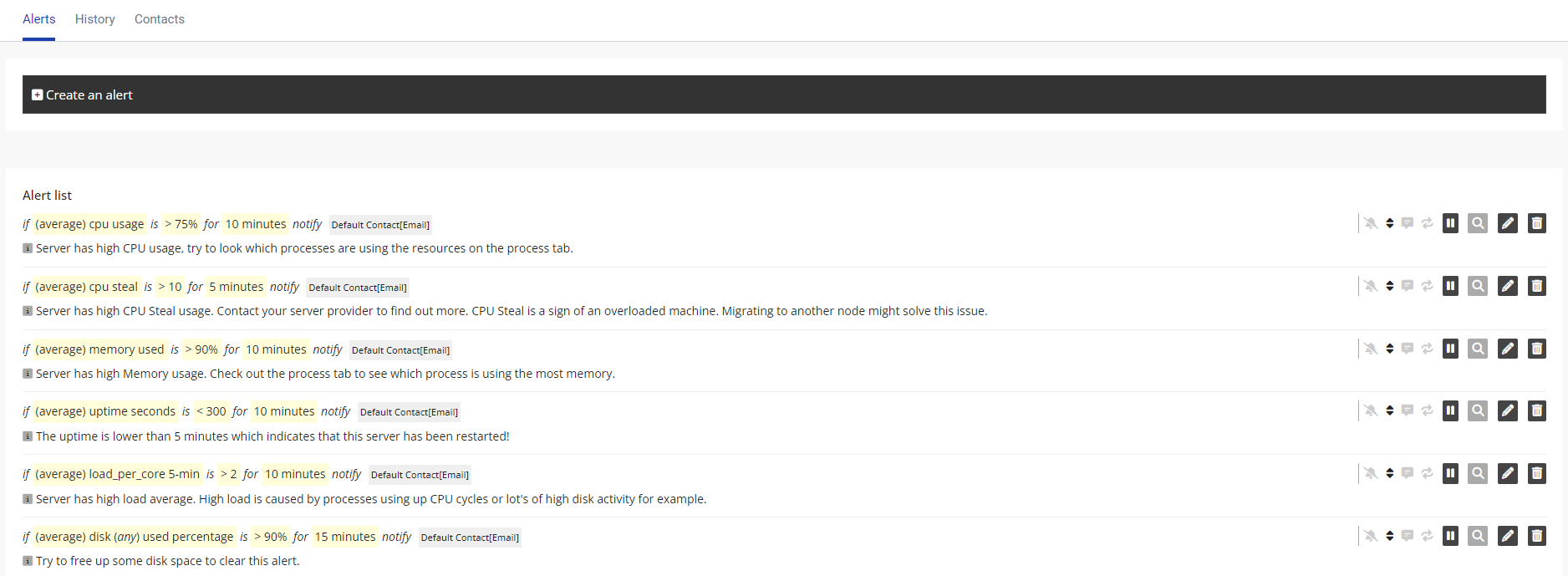
360 Monitoring comes with several alerts already set up to notify you of things such as, availability, resource usage and more. You can also create custom alerts to notify you and your stakeholders of issues with your site so they can be quickly rectified.
To create an alert, follow these steps:
1. Login to 360 Monitoring via your Enviroweb Dashboard
2. Click Alerts from the top navigation bar
3. Click Create Alert
4. From here you can create your custom alert, add alert recipients set alert severity and more.
5. You can also modify existing alerts from this page.