

To access the website builder from the Enviroweb dashboard, follow these steps:
1. From your Enviroweb dashboard, navigate to Services > My Services
2. Select the Hosting Plan you purchased that includes the Website Builder
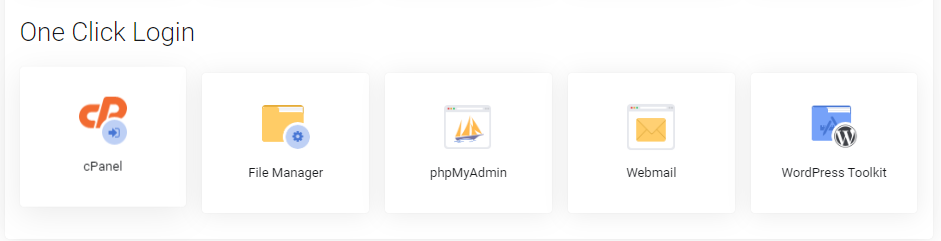
3. Scroll to the One Click Login section of your hosting plan and select cPanel
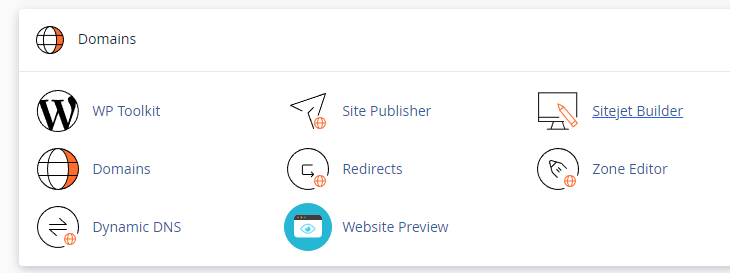
4. From your cPanel, scroll down to Domains and select Sitejet Builder
5. From here you can select a template and begin building your site.
6. Alternatively, you can access the site builder from the main navigation menu in cPanel
