

Step 1: Log in to your cPanel account.
Step 2: In the Databases section, click on MySQL Databases.

Step 3: Scroll down to the MySQL Users section. In the Username field, enter the desired username for the new user.
Step 4: Enter a secure password or use the password generator to create one.
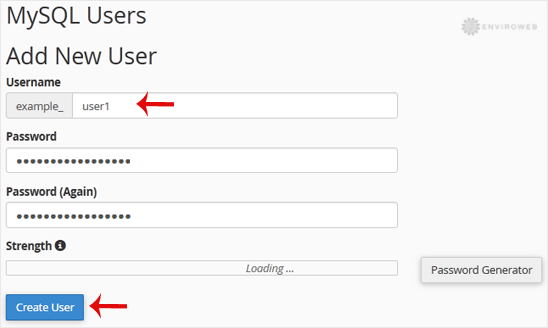
Step 5: Click on Create a User to complete the process.
Tip: Be sure to save the new username and password somewhere secure. You will need these credentials later, especially when manually setting up web applications or scripts.
