

Step 1: Log in to your cPanel account.
Step 2: In the Databases section, click on phpMyAdmin.

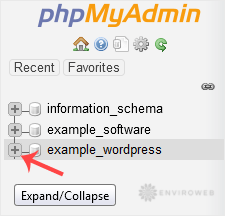
Step 3: From the navigation menu on the left-hand side, select the database into which you want to import your SQL file.
Step 4: Click on the Import tab at the top of the page.

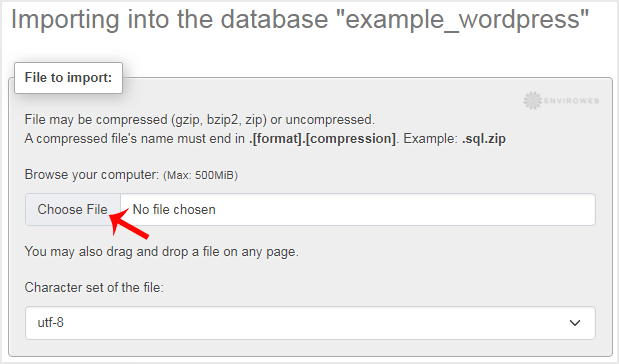
Step 5: Under File to import, click Choose File and select the SQL file from your computer.
Step 6: Scroll down to the bottom of the page and click on Import.
If the import is successful, you will see a confirmation message.

