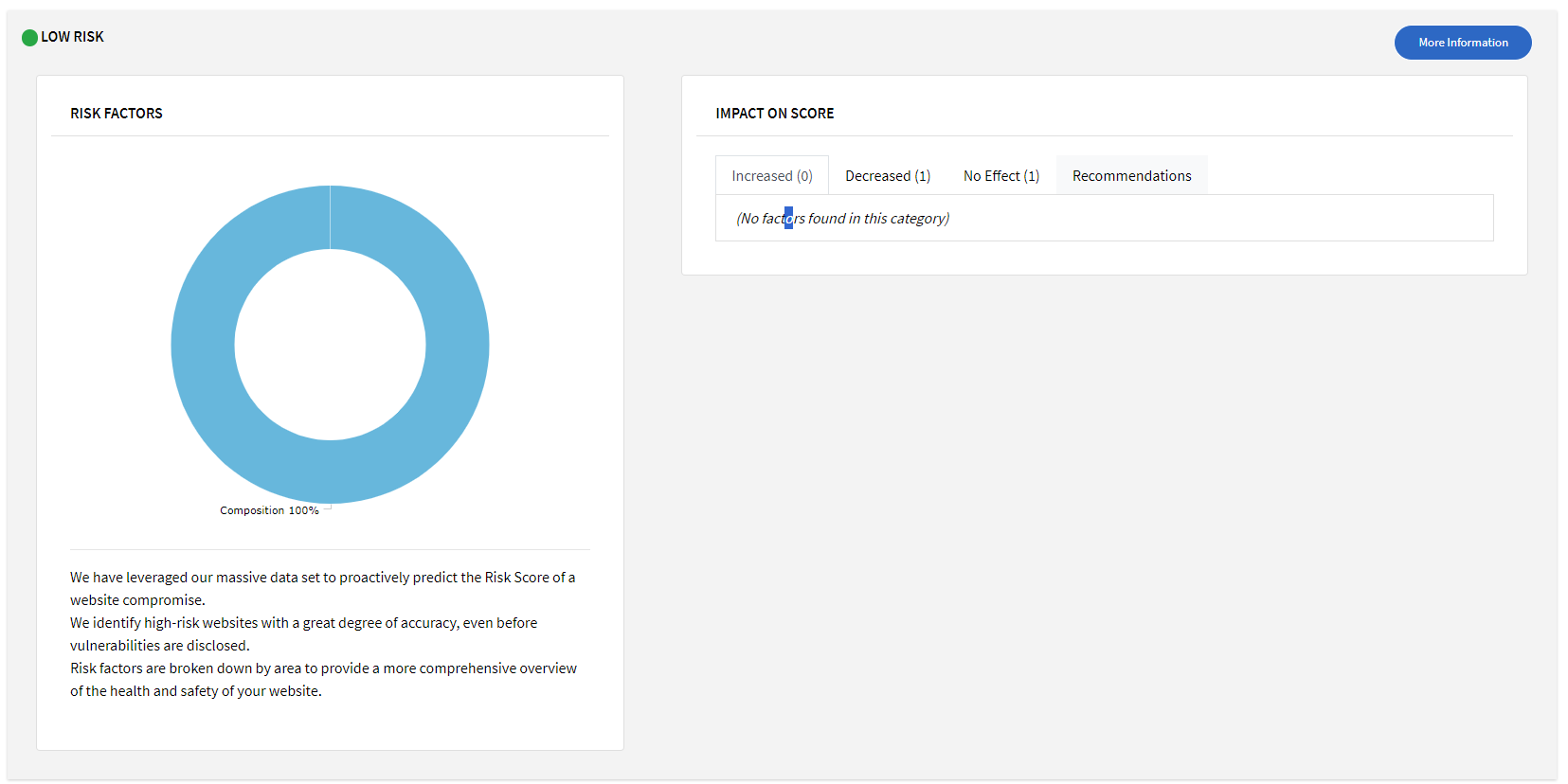
SiteLock Security will provide you with a risk score for your site comprising of many factors such as software used for your site, vulnerabilities, file structure etc.
To view your risk score, follow these steps:
1. Login to SiteLock Security from your Enviroweb dashboard
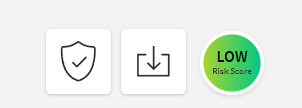
2. On the far right side of your SiteLock Security Dashboard, click the coloured circle that says Risk Score
3. From here you will be able to view your risk score details including a breakdown of all identified risk factors, impacts on the score and recommendations to improve your score.