

To run or queue a scan, follow these steps:
1. Login to SiteLock Security from your Enviroweb dashboard
2. On your SiteLock Dashboard, you will see the scans that are available on your Security Plan
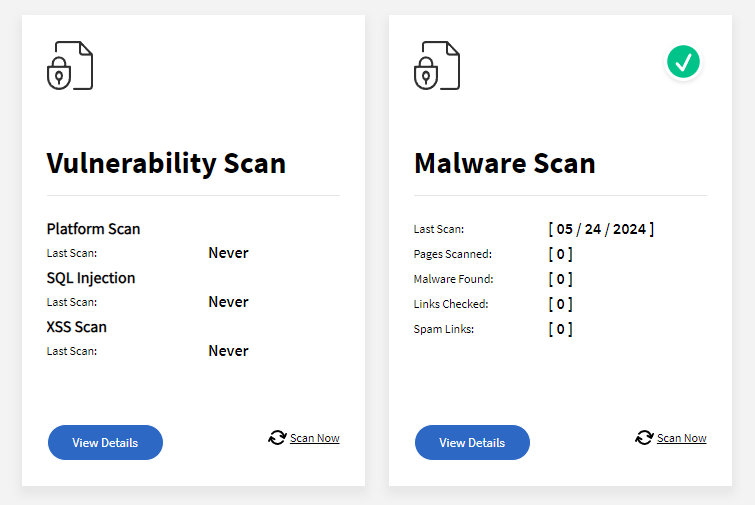
3. Click Scan Now to run / queue the scan. If you have already met your daily limit, you will be advised in a pop up modal.
