For maximum security in protecting your website data, we highly recommend using 2 factor authentication where it is available. To enable 2 factor authentication for SiteLock security, follow these steps:
1. Login to SiteLock Security from your Enviroweb dashboard
2. In the left hand navigation menu, click Settings
3. Select Two-Factor Authentication from the list
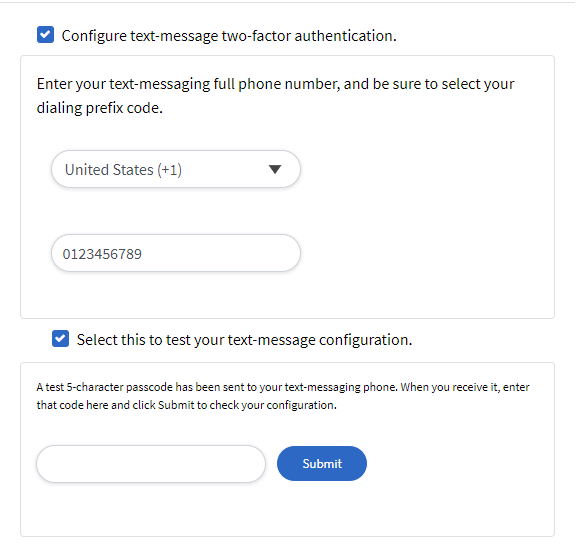
4. Here you can configure two-factor authentication for your Dashboard login. Two methods are available: either one, or both can be enabled. If both are enabled, then you can select which method to use when you log in.
5. Follow the onscreen steps to enable both authentication methods and use the test configuration option to ensure they are set up correctly