

To change your website builder template, follow these steps:
1. From your Enviroweb dashboard, navigate to Services > My Services
2. Select the Hosting Plan you purchased that includes the Website Builder
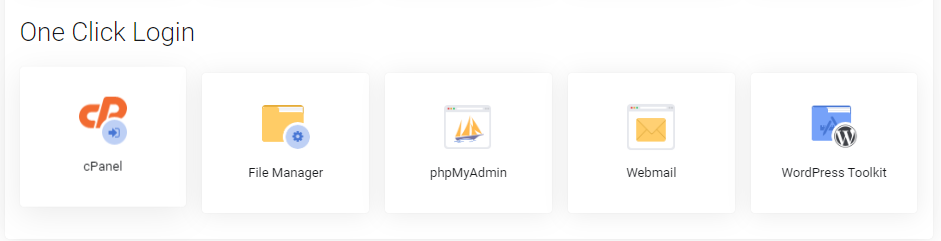
3. Scroll to the One Click Login section of your hosting plan and select cPanel
4. Navigate to the Site Builder page from cPanel
5. Click Change Template in the table entry for your domain name

Note: Always ensure you've backed up your site before making changes to your template to avoid loss of data. Publishing your site on a new template will override your previous template and changes you made to that site.
