

To publish your site and make it available to the public on your domain name, follow these steps:
1. Login to your cPanel and navigate to Sitejet Builder
2. Click Edit Site to access the Website Builder editor
3. In the top right corner of the website builder, click Publish Site

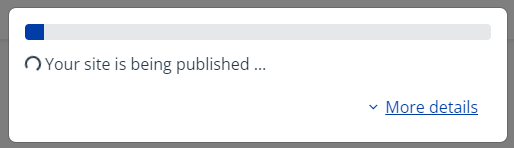
4. Once the publish is initiated, you will be returned back to cPanel and you will see this pop up displaying the publish progress.
5. Congratulations, you've now published your site!
