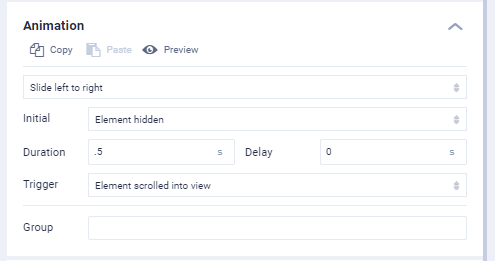
Grab your visitor's attention by animating elements on your site. Animations help draw the eye to particular areas of your site where you want the reader to focus their attention.
To animate an element, follow these steps:
1. First, select the element you wish to animate. This can be a header or an image etc.
2. Double click the element to bring out the left customisation menu and select Style
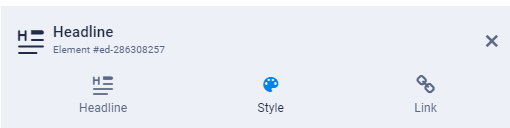
3. Scroll down the Style menu and locate the Animation section
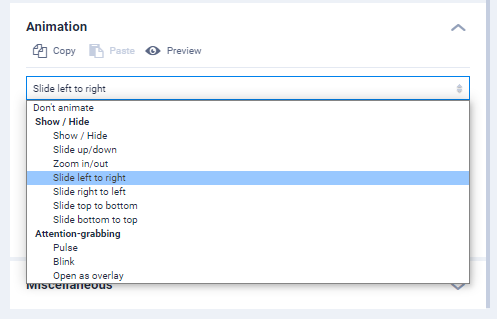
4. When selecting an animation style a preview of the animation will be visible on the page. Select the style which you like best.
5. Once you have selected the animation style you can customise things such as the duration, delay and what user action should trigger the animation.