

To add your site logo and Favicon, follow these steps:
1. Navigate to the top right corner of the site builder and click More and select Website Settings from the dropdown.
2. Click the image box labelled Logo / Favicon depending on which you'd like to add.
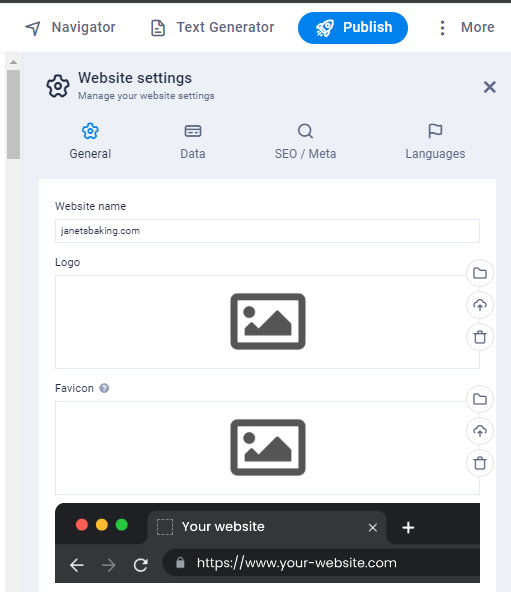
3. After clicking the box, a pop up window will appear where you can Upload your desired logo and favicon.

4. Once you have uploaded and selected your logo this will apply as a global setting. When selecting the Logo Element from the elements menu your logo will be displayed.
