

You can save yourself time selecting and choosing colours by using the integrated colour detection feature.
Once you have uploaded your logo to the Website Settings page, a window will pop up with the detected colours from your logo.
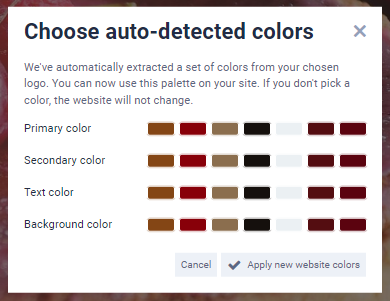
Click Apply to automatically recolour elements on your site to match your logo.
