

The AI text generator is a great tool that can help you uplift the content of your site, keep the tone of writing consistent and reduce the time it takes to create content.
To use the AI text generator, follow these steps:
1. Click Text Generator from the top right navigation bar
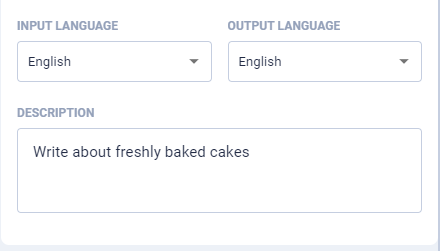
2. Customise your text settings by choosing the Input & Output Language
3. Enter a Description of the topic you want to write about
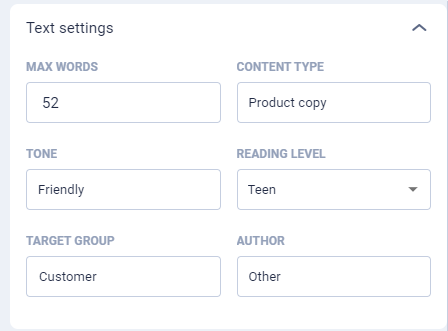
4. Enter your Text Settings and Preferences, this includes things such as the maximum number of words the text should be, content type, tone, reading level, target group etc.
5. Once you have filled out the sections to your requirements, click Generate Text
The generated text will appear in the Text Output box below the text settings.
If you want to use the AI text generator to create your attention grabber headings, reduce the Max Words field to create heading style text rather than longer form paragraphs.
