

This guide explains how to use the client area control panel to access the VPS console when SSH access is unavailable.
Disclaimer:
Accessing the console gives you full root-level control over your VPS. Enviroweb is providing you with services for which you are responsible, including system configuration, security, and recovery. Since we do not have administrative access to your server, it is your responsibility to manage the software environment and ensure it functions correctly. We are not liable for any misconfiguration or loss resulting from console use and cannot restore or repair your VPS if changes cause system failure. Use at your own risk.
To access your server console, follow these steps:
1. Login to your client area dashboard and navigate to the VPS service you would like to perform the actions on.
2. Once in the VPS details screen you will be able to see the "Service Actions" section.
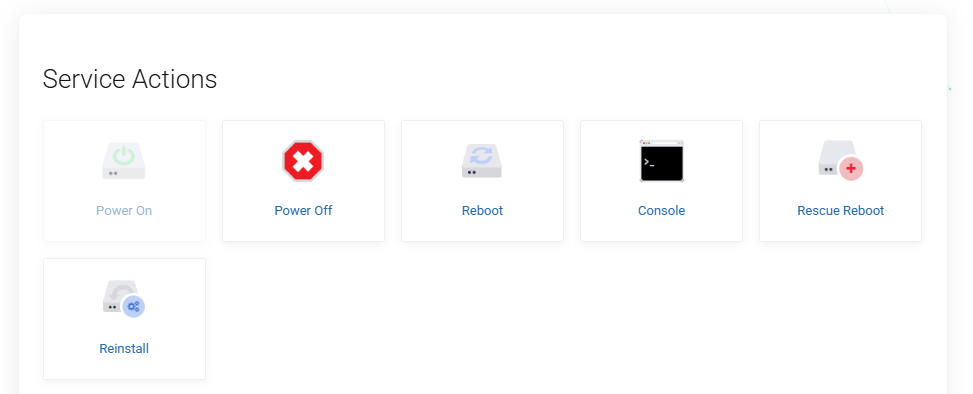
3. Select Console from the actions, this will trigger a new window to open and the noVNC console will be available.
4. Enter your root username, click enter, then enter your password for your root account.
5. You now have access to run commands, perform recovery actions and investigate system issues. Use with caution, as commands executed here have full system-level access.
